

Stop Using the Wrong Cord Before You Ruin Your Vape Pen
Choose a USB Charger That Fits Your Vape Pen

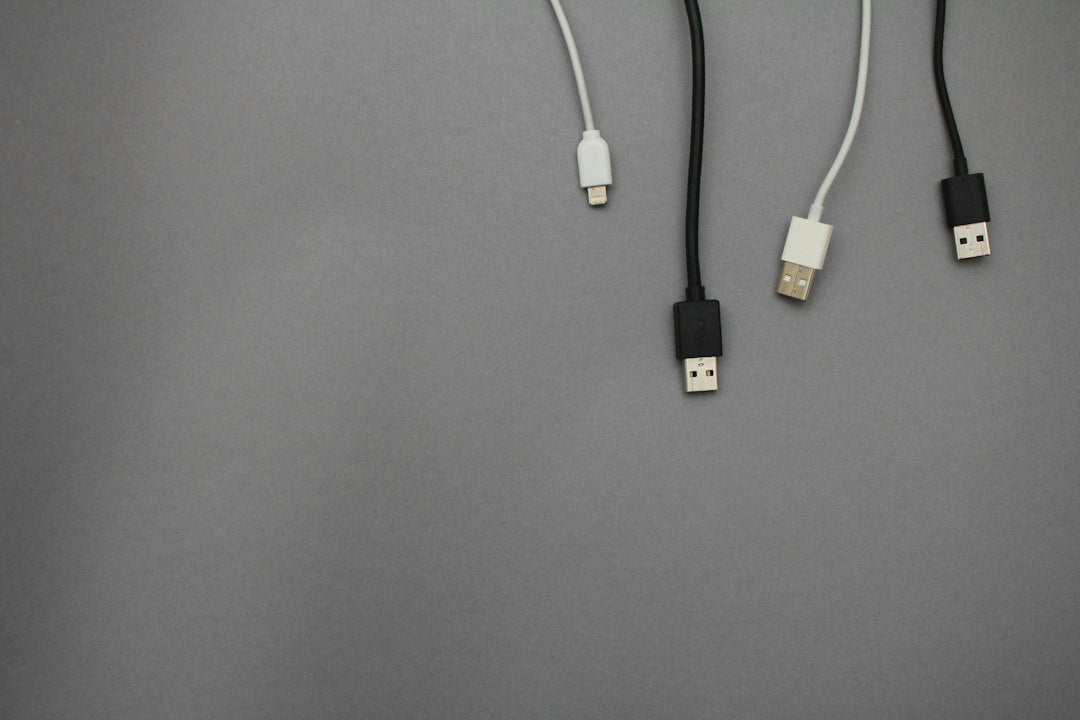
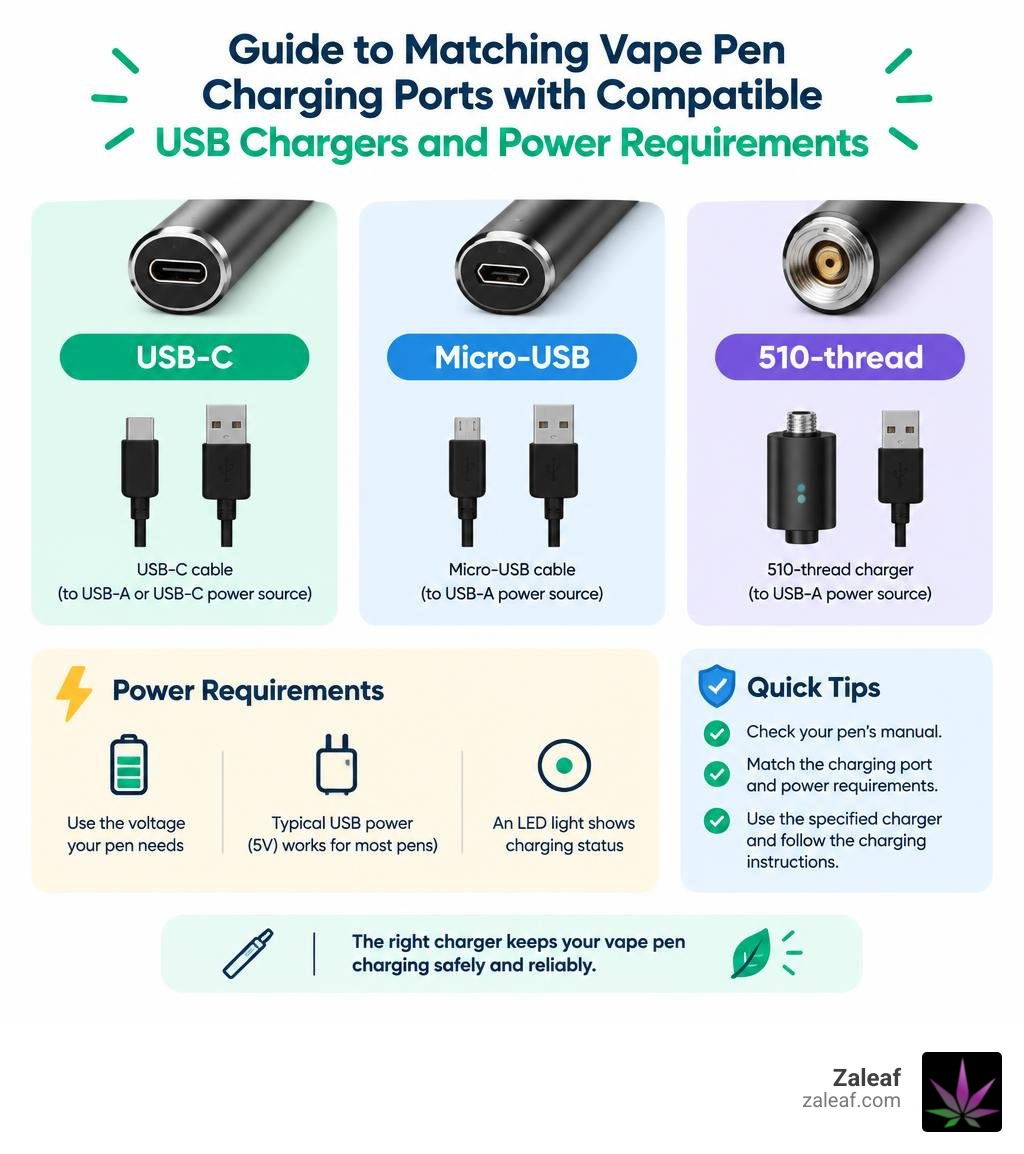
A usb charger for vape pen batteries should match both the charging connection and the device's power requirements. Check your pen's manual before buying: it may need a USB-C cable, a Micro-USB cable, or a screw-on 510-thread charger. A 510-thread connection alone does not mean the battery can charge through its threads. Some devices feature threaded cartridge attachments at the top while utilizing a separate USB-C or micro port at the base for electrical replenishment. Trying to force current backward through threads that lack charging circuitry can permanently damage internal wiring.
Always use the charger specified for your pen, and check its voltage and charging instructions before plugging it in. An LED light can make charging status easier to see, but it does not make an incompatible charger safe. Voltage mismatches, unregulated wall adapters, and rapid chargers can degrade delicate lithium-ion cells prematurely or trigger internal safety shutoffs.
I'm Max Shemesh of Zaleaf, where my work in the cannabinoid industry has shown me how useful clear device guidance can be. That is why this guide to choosing a usb charger for vape pen batteries starts with compatibility, then covers safe charging and common problems.
Relevant articles related to usb charger for vape pen:
Choosing the Right USB Charger for Vape Pen Setups
Finding the correct power adapter starts with identifying how your pen receives power. Many hardware styles exist, ranging from slim stick batteries to ergonomic box units and concealable palm batteries. Exploring universal vape pen charger options helps ensure you do not get stuck with a dead battery when you want to relax.
| Charger Type | Primary Connection | Typical Output | Best Used For |
|---|---|---|---|
| 510-Thread USB Adapter | Threaded top port | 5V / 0.5A (2.5W) | Classic stick batteries lacking side ports |
| Micro-USB Cable | Trapezoidal pin port | 5V / 0.5A–1A (5W) | Older generations of rechargeable pens |
| USB-C Fast Cable | Reversible oval port | 5V / 1A–2A (5W–10W) | Modern variable voltage and high-capacity units |
Each connector serves specific battery capacities and electrical architectures. Using an improper adapter can strain small lithium-ion cells that are designed specifically for low-amperage power replenishment.
Threaded 510 USB Charger for Vape Pen Batteries
Classic stick pens often rely on the top threading for power input and cartridge attachment. A standard 510 thread battery charging setup uses a small dongle that screws directly into the top of your pen once the cartridge is removed. These dongles convert standard USB power into a controlled, low-current stream tailored for compact cylindrical cells.
Quality threaded units feature smart integrated circuit (IC) chips with built-in overcharge protection. These adapters use dual-color LED indicators: red usually signals active current, while green indicates a full charge. Threaded adapters must never be over-tightened, as crushing the center pin or damaging the rubber insulator ring can cause permanent electrical short circuits.
Modern USB-C and Micro-USB Charging Cables
Most modern batteries feature dedicated ports along their side or base, allowing you to charge the device without removing the oil cartridge. Upgrading to a vape charger type C connection provides faster charging, improved mechanical durability, and convenient, reversible plugging. Micro-USB ports remain common on budget units, utilizing an asymmetrical trapezoidal connection that requires gentle insertion.
For routine daily use, durable braided nylon cables resist fraying and bending far better than basic plastic cords. Even though USB-C cables can physically handle high-wattage power delivery from laptop chargers, low-capacity vape cells charge safest on regulated 5V power channels to prevent internal thermal stress.
Portable Power Banks and Universal Charging Options
When away from home, external power banks provide reliable backup power for long outings, travel, and outdoor events. Quality power banks deliver a steady 5V output that protects small internal circuits while you travel. A standard 10,000mAh external battery can recharge a small 350mAh pen dozens of times over a single weekend. Multi-port universal charging hubs allow simultaneous connection of different cable types while maintaining consistent, regulated power delivery across all attached devices.
Safe Charging Practices to Maximize Battery Lifespan
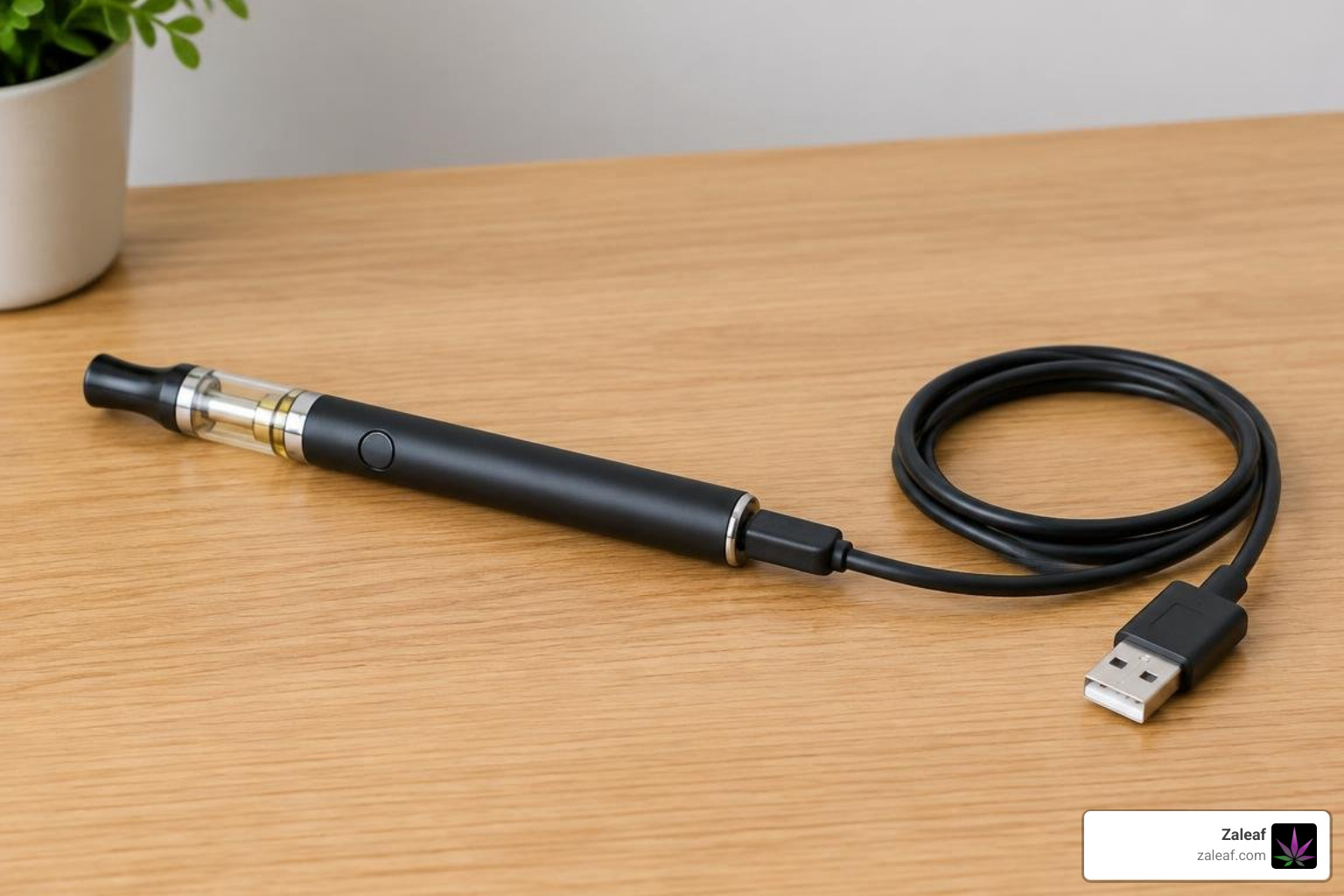
Lithium-ion vape batteries handle hundreds of full charge-discharge cycles before losing capacity. Following a structured vape battery lifespan guide keeps your internal cells healthy, preserves consistent vapor production, and extends their usable life across months of regular sessions.
Voltage and Amperage Compatibility
Plugging low-draw vape batteries into rapid-charging blocks designed for modern flagship smartphones can expose hardware to severe current spikes and excessive wattage. Reviewing unprotected vape battery risks highlights how excess heat degrades delicate internal seals, reduces overall energy storage, and causes dangerous battery swelling.
Always stick to standard 5V wall adapters rated at 1A or lower. Using dedicated computer USB ports, low-draw power bricks, or regulated wall hubs ensures safe, steady power delivery that matches the manufacturer's exact specifications.
How to Safely Use a USB Charger for Vape Pen Hardware
Using these vape pen charging tips will keep your equipment operating smoothly and minimize hardware wear:
- Unscrew the Oil Cartridge First: Always remove your cartridge before charging to prevent accidental heat transfer, oil thinning, or unwanted leaks into the battery housing.
- Avoid Overnight Charging: Disconnect your battery as soon as the LED indicator turns green or shuts off to prevent persistent trickle heat buildup.
- Top Up Before Empty: Recharging around 20% to 30% remaining power causes far less electrochemical stress than letting the battery drain completely to zero.
- Charge on Hard Surfaces: Place your battery on a cool, non-flammable flat surface like a wooden desk or countertop rather than on soft beds, rugs, or couches.
- Store at Moderate Levels: If storing your pen unused for an extended period, keep it charged to around 70% to 80% at room temperature.
Troubleshooting: What to Do When Your Vape Pen Won't Charge
If your indicator light fails to activate, behaves erratically, or blinks abnormally when plugged in, systematic hardware checks can resolve the issue quickly. If you are troubleshooting a battery that is not charging, start by checking for dirty contact points and mechanical connection faults before assuming the hardware is broken.
Cleaning Dirty Connection Threads and Ports
Vaporizer oils, condensation, and pocket lint frequently collect around charging contacts, creating electrical resistance and preventing the charger from establishing a secure connection. Taking a few minutes for cleaning cartridge threads quickly restores reliable current:
- Unplug your battery from all power sources and remove any attached cartridges.
- Lightly dampen a cotton swab with 90%+ isopropyl alcohol, making sure it is not dripping wet.
- Gently swab the interior threading and flat center pin to dissolve and clear away sticky oil residue.
- Clean the matching contact pin on your threaded USB charging adapter or clear lint from the USB-C port with a dry wooden toothpick.
- Allow all connections to air dry completely for five minutes before reconnecting to power.
Diagnosing Defective Cables and Power Blocks
Charging cords flex constantly during daily travel and pocket storage, leading to broken internal copper wires over time. If your pen does not respond when connected, swap out your USB cord or test a different wall outlet. If the adapter flashes rapidly without sending power, internal wires may be loose or the center contact pin on the pen may be pushed down too far, preventing solid electrical contact.
Frequently Asked Questions About Vape Pen Charging
Can I use a fast-charging phone block for my vape pen?
No. High-wattage fast-charging blocks designed for modern smartphones deliver excessive amperage and wattage that can overwhelm small vape pen batteries. These high-output chargers generate surplus heat that degrades lithium cells, damages delicate circuitry, and reduces overall battery lifespan. Always stick to a standard 5V/1A wall adapter, a low-draw charging brick, or a computer USB port.
How long does a standard vape pen take to charge via USB?
Understanding how long a vape takes to charge depends on internal battery capacity and the connector type. A standard 350mAh to 650mAh stick pen typically charges completely in 45 to 90 minutes. Larger palm batteries and variable-voltage units equipped with USB-C ports may charge within 30 to 60 minutes when connected to an appropriate 5V power source.
Why does my vape pen charger light blink or stay red?
A steady red light usually indicates that the device is currently drawing power and charging normally. A blinking light often points to a poor electrical connection, over-tightened threading, dirty contact pins, or an automatic safety shutoff triggered by an incompatible voltage source or short circuit.
Conclusion
Choosing the right adapter keeps your hardware safe, protects delicate internal components, and ensures consistent, enjoyable sessions every time you vape. Proper charging habits prevent unexpected device failures, allowing you to focus on maximizing your vape battery life and speed.
At Zaleaf, we provide 100% legal cannabis products designed to enhance distinct cannabinoid and terpene profiles for targeted, mood-specific effects. Every batch undergoes comprehensive third-party lab testing and arrives quickly at your door in discreet packaging, with no ID or medical card required. Pair your favorite premium cartridges with a dependable, properly maintained battery for the best experience every time.